
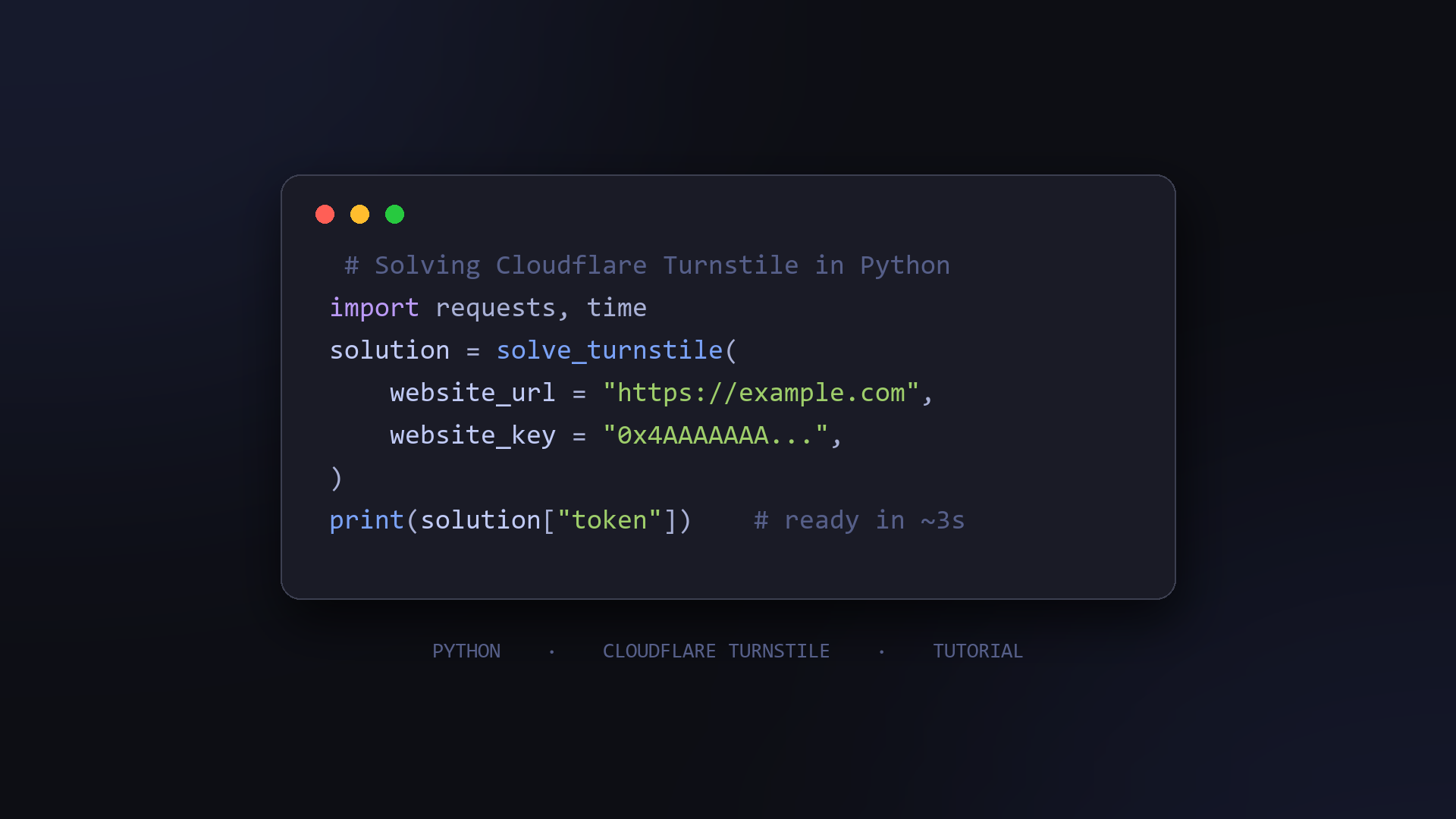
If your test suite or data pipeline runs into a Cloudflare Turnstile widget, the form will not submit until the widget issues a token, and there is no built-in way to produce one from plain Python.
The workaround is straightforward: send the challenge to a solving API, receive the token, and submit it along with the right headers. This post shows the complete flow with runnable code.
One note up front: this is intended for testing your own applications, QA against staging environments, or collecting public data you are authorised to access.
Where the token goes
A Turnstile widget writes its result into a hidden form field:
<div class="cf-turnstile" data-sitekey="0x4AAAAAAAxxxxxxxxxxxx"></div>
The field is named cf-turnstile-response. Your server then validates that token against Cloudflare's siteverify endpoint before accepting the form. So the whole problem reduces to two steps: get a valid token, and POST it in the right field.
Setup
You will need Python 3.8+, the requests package, and an API key from Kaptra. Kaptra charges per successful task only, so failed attempts are free, and the API follows a common industry request structure, which keeps migration simple if you have used a solver service before.
Step 1: grab the sitekey
Open the page with the widget, find the data-sitekey attribute in the HTML (shown above), and copy the value. Pages that render the widget dynamically pass the key to turnstile.render in JavaScript, so check there if you cannot find it in the source.
Step 2: solve the challenge
Two endpoints do the work: POST /createTask to start, POST /getTaskResult to poll. Turnstile solves typically land in under three seconds, so a two-second polling interval is fine.
import time
import requests

API_KEY = "YOUR_API_KEY"
BASE_URL = "https://api.kaptra.ai"


def solve_turnstile(website_url: str, website_key: str) -> dict:
    task = requests.post(
        f"{BASE_URL}/createTask",
        json={
            "clientKey": API_KEY,
            "task": {
                "type": "AntiTurnstileTask",
                "websiteURL": website_url,
                "websiteKey": website_key,
            },
        },
        timeout=30,
    ).json()
    if task.get("errorId") != 0:
        raise RuntimeError(f"createTask failed: {task.get('errorCode')}")

    task_id = task["taskId"]

    for _ in range(60):
        time.sleep(2)
        result = requests.post(
            f"{BASE_URL}/getTaskResult",
            json={"clientKey": API_KEY, "taskId": task_id},
            timeout=30,
        ).json()
        if result.get("status") == "ready":
            return result["solution"]
        if result.get("status") == "failure":
            raise RuntimeError(f"task failed: {result.get('errorCode')}")

    raise TimeoutError("solver did not return in time")


if __name__ == "__main__":
    solution = solve_turnstile(
        website_url="https://example.com/signup",
        website_key="0x4AAAAAAA...",
    )
    print(solution["token"])
    print(solution["userAgent"])
Keep two things in mind: websiteURL must match the exact page where the widget runs, and the same key works for every task type on the platform.
Step 3: use the token
The result contains both a token and the userAgent it was issued for. Submit the form with that exact user agent, or the server-side check may reject an otherwise valid token:
session = requests.Session()
session.headers.update({"User-Agent": solution["userAgent"]})
resp = session.post(
    "https://example.com/signup",
    data={
        "email": "test@example.com",
        "password": "hunter2",
        "cf-turnstile-response": solution["token"],
    },
    timeout=30,
)
print(resp.status_code)
Running the flow inside a browser automation tool such as Playwright? Write the token into the hidden cf-turnstile-response input instead and submit the form normally.
Pricing
Turnstile solving on Kaptra costs $1.20 per 1,000 successful tasks. There is no subscription, credit does not expire, and you are not billed for failed or timed-out tasks.
Summary
The full loop is four moves: read the sitekey, create a task, poll for the solution, submit the token with the matching user agent. Parameter details are documented on the AntiTurnstileTask page, and the same flow extends to Cloudflare Challenge, AWS WAF, and DataDome tasks.
Use it on your own systems and on data you have permission to collect, and it will stay a boring, reliable part of your toolchain.
About the author
- Official account of Kaptra, a captcha recognition API for developers. We publish practical guides on Cloudflare Turnstile, Cloudflare Challenge, AWS WAF, and DataDome for test automation and authorised data collection workflows.
Comments
Join the discussionNo comments yet. Be the first to comment.