A reCAPTCHA v2 checkbox does not block the page. It blocks the form. The rest of the HTML loads, the fields are fillable, and the submit is rejected until a token named gRecaptchaResponse rides along as g-recaptcha-response. That token also expires, so a solve you do not submit immediately is a solve you pay for and then throw away.
This is a practical walkthrough of getting that token from Kaptra's captcha API with the ReCaptchaV2Task type. It is not the guide for a Cloudflare full-page interstitial. That one returns cookies and requires a proxy. The link is at the end.
The task in one glance
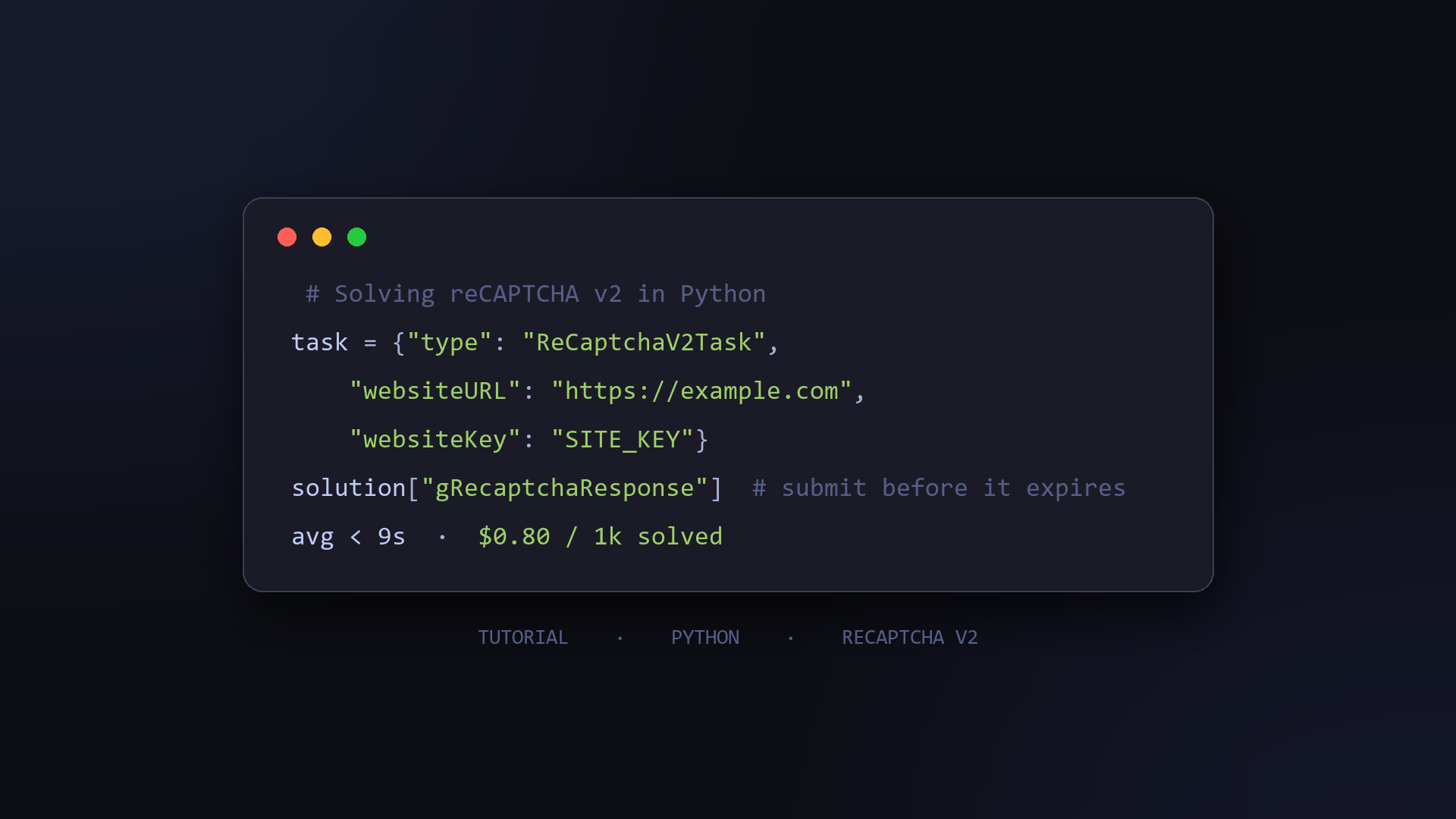
- Type:
ReCaptchaV2Task - Required:
websiteURL(public http(s) URL of the form) andwebsiteKey(the site key,data-sitekeyon a standard widget) - Optional, default false:
isInvisible,enterprise - Optional, and usually omitted:
proxy - Execution: async. Poll
/getTaskResultevery 1 to 2 seconds, at most 120 queries pertaskId - Result:
gRecaptchaResponse,userAgent,expiresInMs - Cost and speed: $0.80 per 1,000 successful tasks, average under 9 seconds, billed per success only
Why the token has a clock on it
expiresInMs is part of the solution, not a footnote. The docs sample is 120000, two minutes. Treat the poll loop and the form submit as one function: when status comes back ready, post the token before you do anything else.
Send that request with solution["userAgent"]. The token was produced for that user agent. A different one on the submit is an easy way to fail a solve that the API already marked ready.
Working Python implementation
import time
import requests
# ---
BASE_URL = "https://api.kaptra.ai"
API_KEY = "YOUR_KAPTRA_API_KEY"
# ---
def solve_recaptcha_v2(website_url: str, website_key: str) -> dict:
    # 1. create the task; proxy is optional for this type
    resp = requests.post(
        f"{BASE_URL}/createTask",
        json={
            "clientKey": API_KEY,
            "task": {
                "type": "ReCaptchaV2Task",
                "websiteURL": website_url,
                "websiteKey": website_key,
            },
        },
    ).json()
    if resp.get("errorId"):
        raise RuntimeError(f"createTask failed: {resp.get('errorCode')}")
    task_id = resp["taskId"]
    # 2. poll every 1-2s, max 120 queries per task
    for _ in range(120):
        result = requests.post(
            f"{BASE_URL}/getTaskResult",
            json={"clientKey": API_KEY, "taskId": task_id},
        ).json()
        status = result.get("status")
        if status == "ready":
            return result["solution"]
        if status == "failure":
            raise RuntimeError(f"task failed: {result.get('errorCode')}")
        # processing (or CAPTCHA_NOT_READY): keep polling
        time.sleep(1.5)
    raise TimeoutError("gave up after 120 polls")
# ---
if __name__ == "__main__":
    solution = solve_recaptcha_v2(
        "https://www.example.com/register", "SITE_KEY"
    )
    print(solution["gRecaptchaResponse"])
    # 3. submit this token as g-recaptcha-response
    #    before expiresInMs, using solution["userAgent"]
CAPTCHA_NOT_READY means keep polling. ERROR_TOO_MANY_REQUESTS means you queried that taskId more than 120 times. status settles at ready or failure.
Flags that describe the page, not the solver
isInvisible and enterprise default to false. Set one only when that page actually uses the invisible widget or the enterprise script. They are not knobs for a harder page. A standard checkbox with both flags left unset is the correct request.
proxy stays optional for the same reason the result is a token. The Cloudflare challenge task requires a proxy because its cookies are issued for one IP. Nothing in this result is bound that way.
Cost, and the errors worth handling
Average resolution is under 9 seconds. A failure comes back as ERROR_CAPTCHA_UNSOLVABLE; retry once with the same parameters. Failed and timed-out tasks cost nothing. There is no monthly fee, and unused credit does not expire. New accounts start with $10 in test credit, which is 12,500 successful solves at $0.80 per 1,000.
Check errorId in the JSON. It is 0 or 1, and errorCode carries the reason. The other codes this task documents are ERROR_BAD_REQUEST and ERROR_TASK_NOT_SUPPORTED.
Related, and not the same task
- Site: kaptra.ai
- ReCaptchaV2Task docs: kaptra.ai/docs
- The other inline widget, Cloudflare Turnstile: How to solve Cloudflare Turnstile in Python
- The full-page wall, which returns cookies instead of a token: How to solve the Cloudflare 5-second challenge in Python
About the author
- Official account of Kaptra, a captcha recognition API for developers. We publish practical guides on Cloudflare Turnstile, Cloudflare Challenge, AWS WAF, and DataDome for test automation and authorised data collection workflows.
Comments
Join the discussionNo comments yet. Be the first to comment.